Google Gemini API Key
Google Gemini is only available in the PRO version.
Unlock this and other features by upgrading to Joomill Autolanguage PRO
Go PRO
Unlock this and other features by upgrading to Joomill Autolanguage PRO
Go PRO
Follow these steps to create a Google Gemini API key.
Step 1: Create an API key
- Go to Google AI Studio.
- Log in with your Google account.
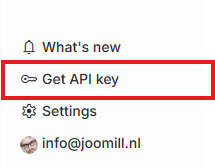
- Click Get API Key in the bottom-left corner.
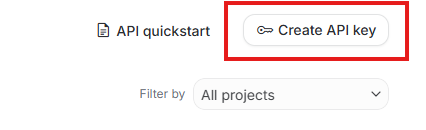
- Click Create API key in the top-right.
- Enter a name (e.g.
Joomla-Auto-Translate), select or create a project and click Create.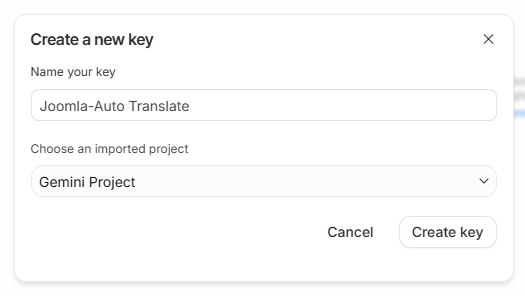
- Copy the API key.

Step 2: Add the key to Joomla
- Log in to your Joomla backend.
- Go to System > Manage > Plugins and open System - Autolanguage.
- Open the Service & API tab.
- Set Translation Service to Google Gemini.
- Paste your key into the Gemini API Key field.
- Save, then select the Gemini model you want to use for translations.