Selection Options
These options can be overridden in the gallery options for each gallery.
| Minimum Photos | Minimum number of photos a client must select. A warning is shown when fewer photos are selected. Enter 0 to disable. Default: 0 |
| Maximum Photos | Maximum number of photos a client can select. A warning is shown when this number is reached or exceeded. Enter 0 to disable. Default: 0 |
| Warning: too few photos selected | These custom messages support the placeholders `{MIN_PHOTOS}` and `{MAX_PHOTOS}`, which are replaced with the configured minimum and maximum values. For example: "Please select at least {MIN_PHOTOS} and at most {MAX_PHOTOS} photos." |
| Warning: too many photos selected | These custom messages support the placeholders `{MIN_PHOTOS}` and `{MAX_PHOTOS}`, which are replaced with the configured minimum and maximum values. For example: "Please select at least {MIN_PHOTOS} and at most {MAX_PHOTOS} photos." |
| Warning message position | Choose where the minimum/maximum selection warning is shown. This is a multiple-choice setting: you can display the warning above the photos, in the selection bar and below the photos at the same time. |
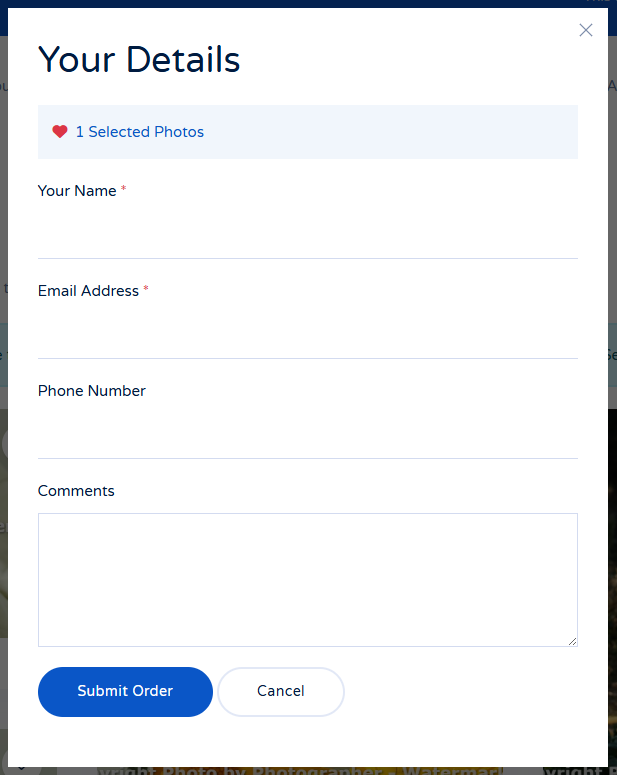
| Show selection preview step | Show the client a thumbnail overview of their selected photos before they fill in their details. When enabled, the submission modal opens on a preview step, showing the selected photos as small thumbnails with a photo count, before the client proceeds to the order form. Default: No |
| Enable photo notes | Allow visitors to add a personal note or comment to each photo they select. Notes can be entered in the lightbox and in the order preview step, are submitted with the order, and are shown per photo in the admin Selections view. Default: No. |
| Create selection ZIP | When enabled, each submitted selection is packaged as a ZIP archive containing the selected photos and a `selection.txt` file with the client's details, message and per-photo notes. The archive is stored with an unguessable filename and is removed automatically when the selection or the gallery is deleted. A download button appears in the admin Selections view. Default: No. |