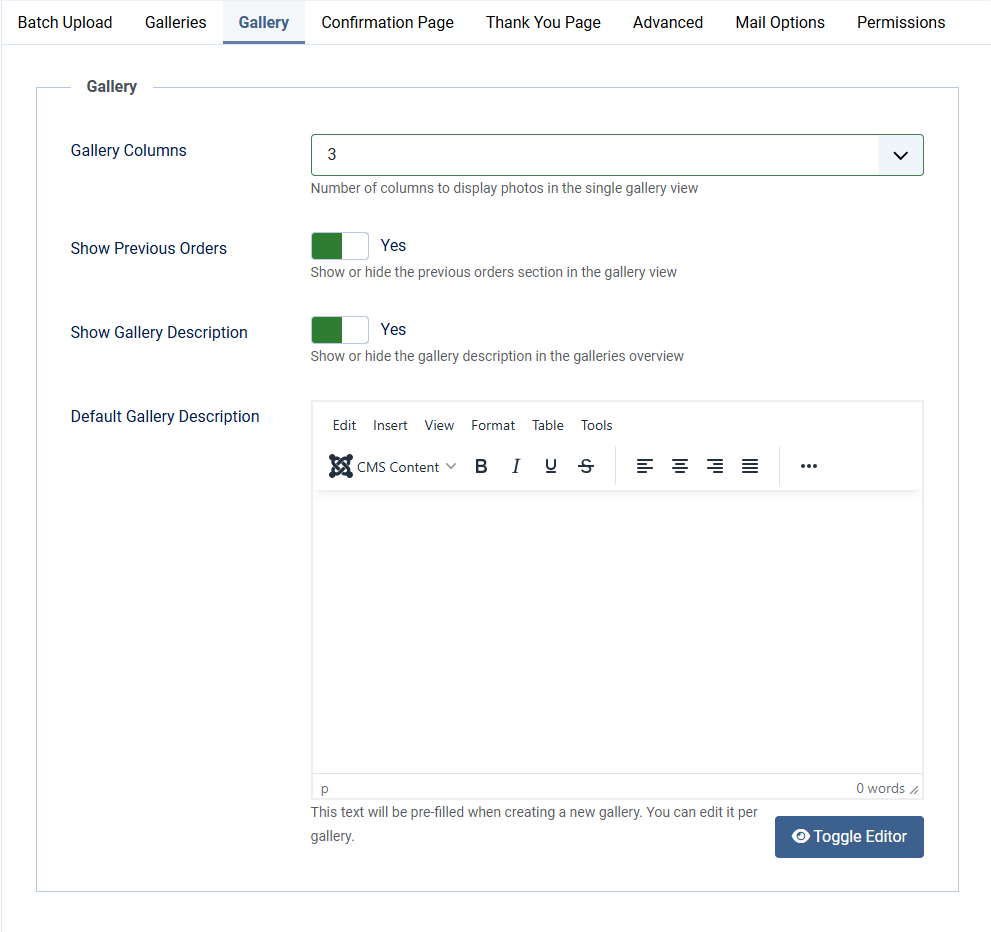
Gallery options
| Gallery Columns | Number of columns to display photos in the single gallery view. Choose from 1 to 6. Default: 3 |
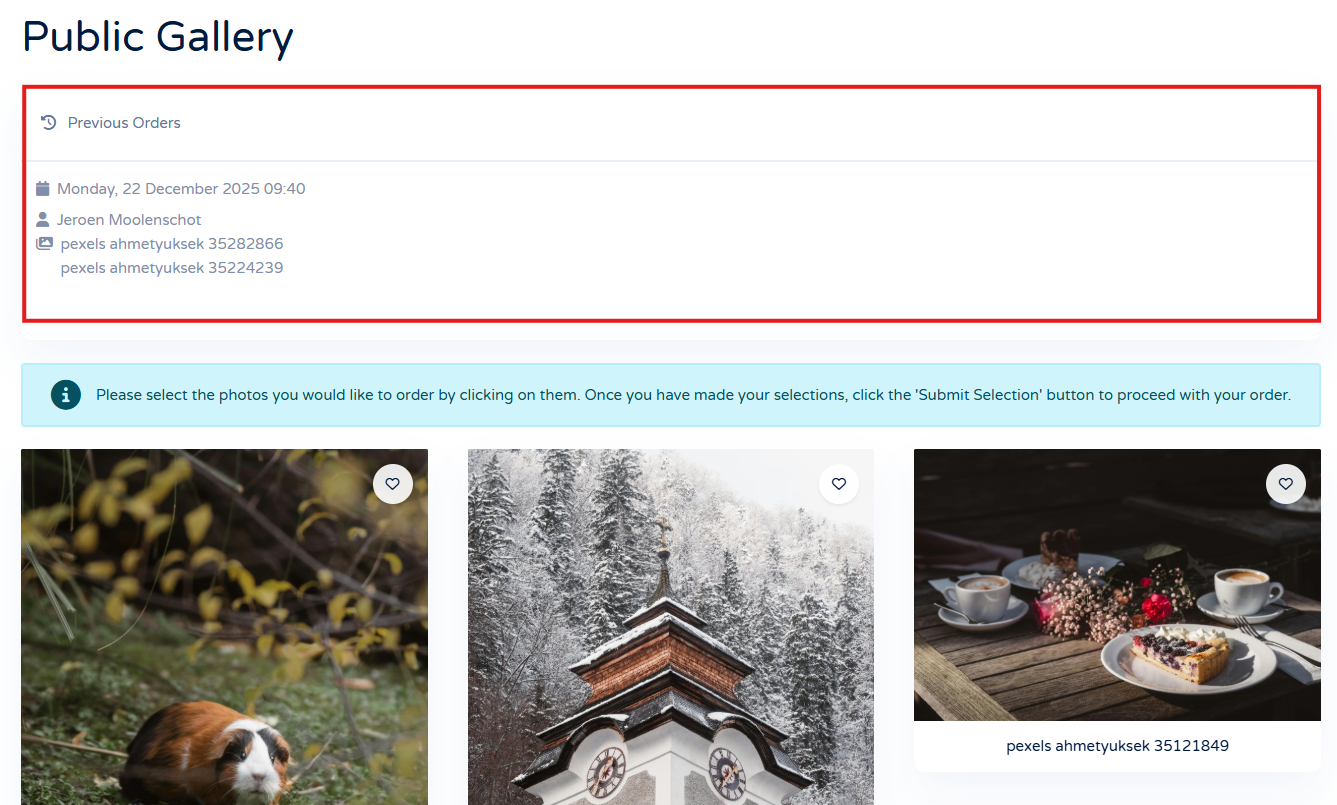
| Show Previous Orders | Show or hide the previous orders section in the gallery view. A handy feature when multiple people need to select photo's from a gallery. They can see which photos are already chosen. |
| Show Gallery Description | Show or hide the gallery description in the gallery view. Choose from Yes or No |
| Default Gallery Description | This text will be pre-filled when creating a new gallery. You can edit it per gallery. |
Tips
| Read more in the Description | You can split a gallery description into a short intro and a full text. Place the cursor in the description editor where the intro should end and click the Read More button in the toolbar below the editor. The intro is shown in the galleries overview (list view), and the full description is shown on the gallery detail page. |
| Description placeholders | The gallery description supports the placeholders {MIN_PHOTOS} and {MAX_PHOTOS} They are replaced with the minimum and maximum number of photos a client may select, as configured under Selection options. |