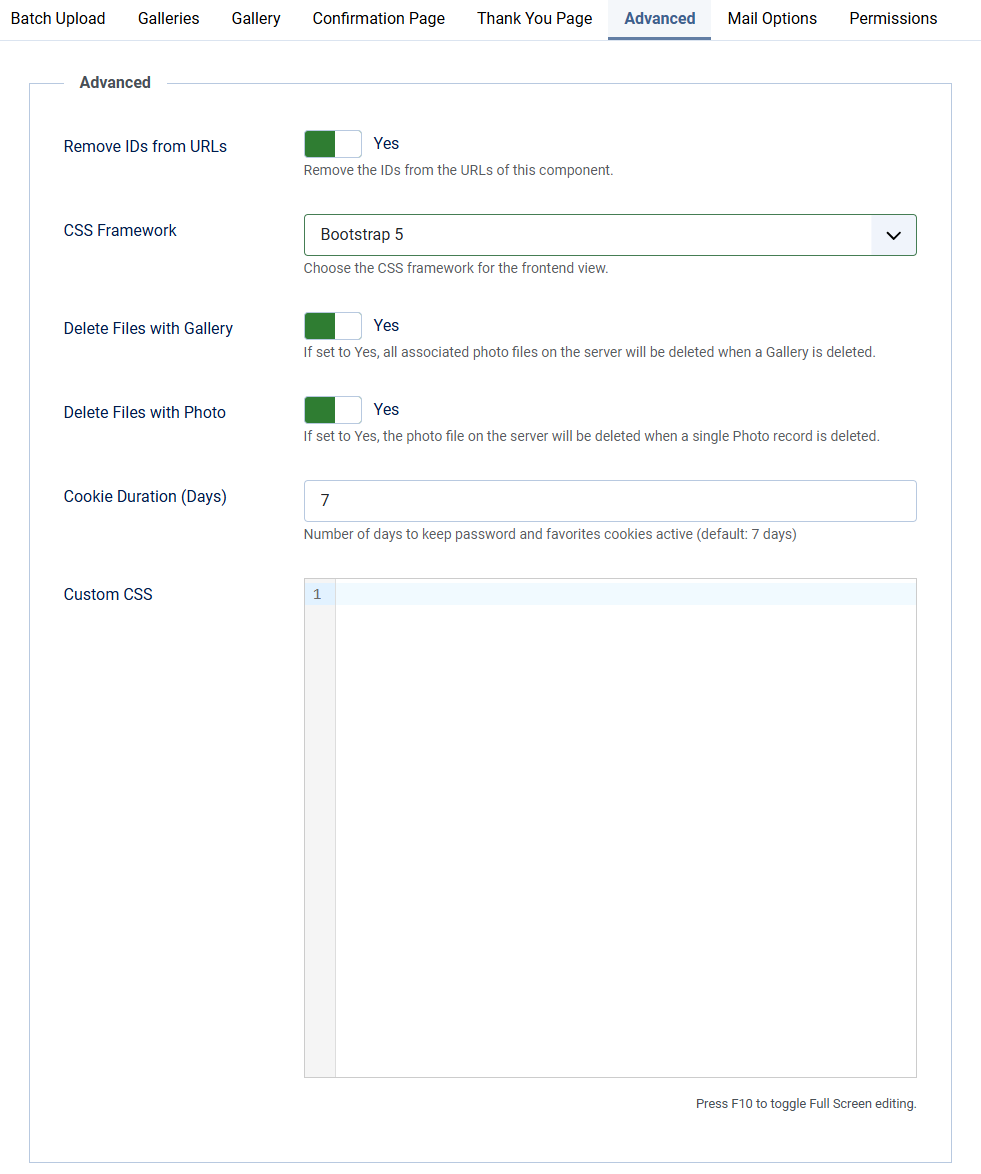
Advanced options
| Remove IDs from URLs | Remove the IDs from the URLs of this component. Default: Yes |
| CSS Framework | Choose the CSS framework for the frontend view. Choose from Bootstrap 5 or UIKit (YOOtheme). Default: Bootstrap 5. |
| Lightbox type | Choose how a photo opens when a visitor clicks it: the native full-screen lightbox or a modal dialog with its own previous/next controls. Both work with the Bootstrap and UIkit templates. Default: native lightbox. |
| Delete Files with Gallery | If set to Yes, all associated photo files on the server will be deleted when a Gallery is deleted. |
| Delete Folder with Gallery | If set to Yes, the entire gallery folder will be removed from images/clientresponsegallery/ when a Gallery is deleted. This also removes files not registered in the database. |
| Delete Files with Photo | If set to Yes, the photo file on the server will be deleted when a single Photo record is deleted. |
| Cookie Duration (Days) | Number of days to keep the favorites cookie active, so a visitor's selection survives closing the browser. Default: 7 days As of version 1.2.3 this setting no longer applies to gallery passwords. An unlocked gallery is remembered on the server for the length of the visitor's session, so the visitor is asked for the password again in a new browser session. See Create your first gallery. |
| Custom CSS | Add your own CSS lines to this field to change the look and feel of this component |