Mail options
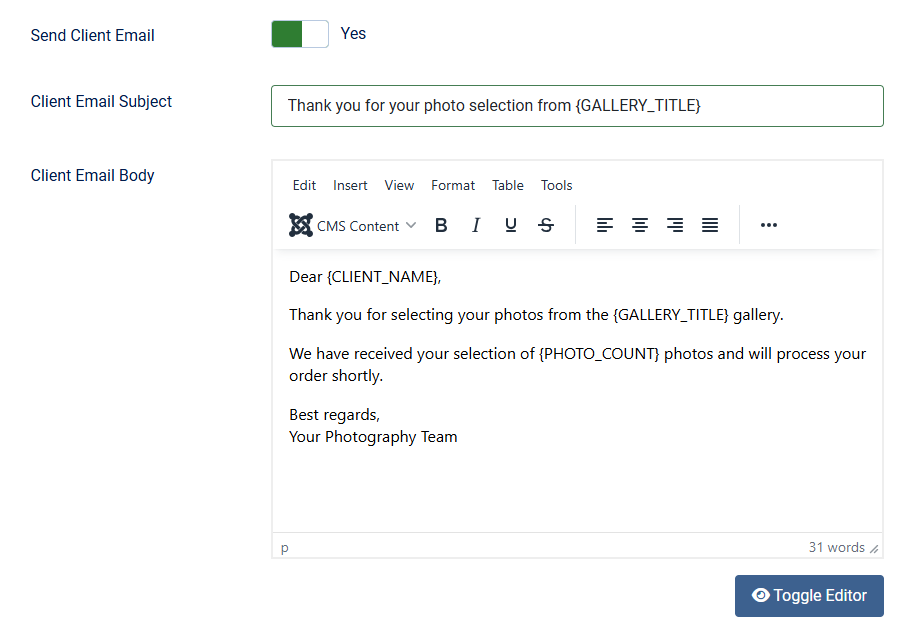
| Send Client Email | Send a thank you email to the client after order confirmation. The email address entered by the visitor on the confirmation page is used. Default: Yes |
| The following placeholders are available in both the subject and body: {CLIENT_NAME}: name entered on the confirmation form. {CLIENT_EMAIL}: email address entered on the confirmation form. {CLIENT_PHONE}: phone number entered on the confirmation form. {GALLERY_TITLE}: title of the gallery. {PHOTO_COUNT}: number of selected photos. {PHOTO_LIST}: a list of the selected photos, each on its own line with a clickable link. When photo notes are enabled, the note entered for a photo is shown next to its link. {CLIENT_MESSAGE}: message entered by the client on the confirmation form. |
|
| Client Email Subject | Subject line for the client thank you email. |
| Client Email Body | Email body template for client thank you email. |
| Include ZIP link in client email | Append the full download link of the selection ZIP to the bottom of the client confirmation email. These switches are only available when "Create selection ZIP" is enabled under Selection options. |
| When a Photographer Email address is configured, it is used as the reply-to address in client emails. |
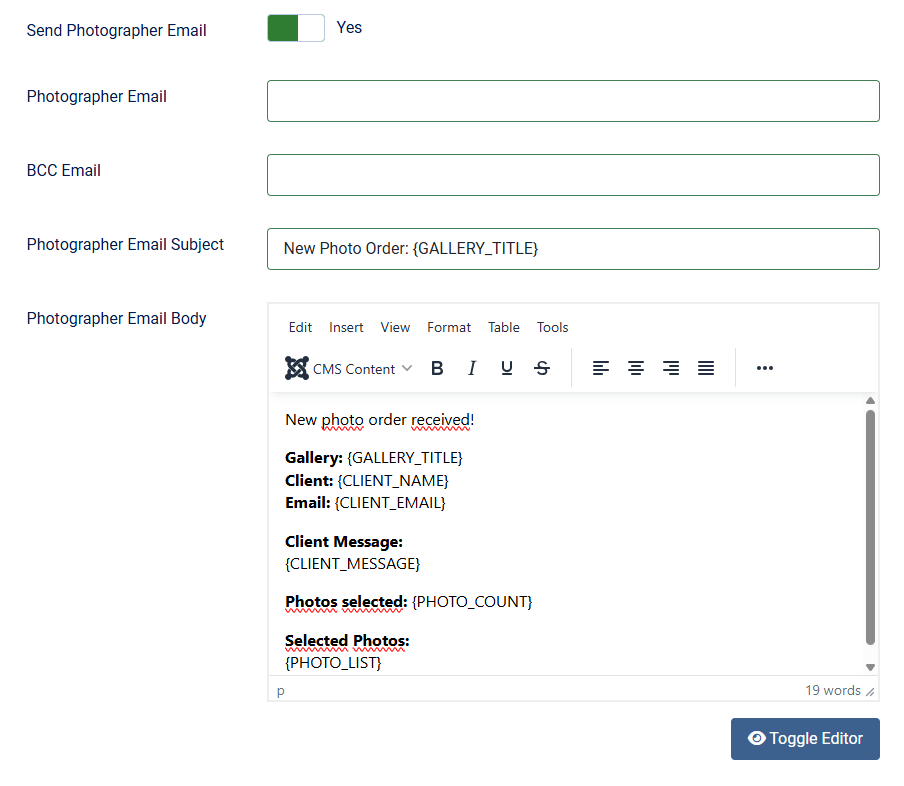
| Send Photographer Email | Send a notification email to the photographer when a new order is placed. Default: Yes |
| Photographer Email | Email address to send new order notifications to. When you leave this field empty, the email-address from the website global configuration is used. |
| BCC Email | Optional BCC email address for photographer notifications |
| The following placeholders are available in both the subject and body: {CLIENT_NAME}: name entered on the confirmation form. {CLIENT_EMAIL}: email address entered on the confirmation form. {CLIENT_PHONE}: phone number entered on the confirmation form. {GALLERY_TITLE}: title of the gallery. {PHOTO_COUNT}: number of selected photos. {PHOTO_LIST}: a list of the selected photos, each on its own line with a clickable link. When photo notes are enabled, the note entered for a photo is shown next to its link. {CLIENT_MESSAGE}: message entered by the client on the confirmation form. |
|
| Photographer Email Subject | Subject line for the client thank you email. |
| Photographer Email Body |
Email body template for photographer notifications. |
| Include ZIP link in photographer email | Append the full download link of the selection ZIP to the bottom of the photographer notification email. These switches are only available when "Create selection ZIP" is enabled under Selection options. |