Galleries options
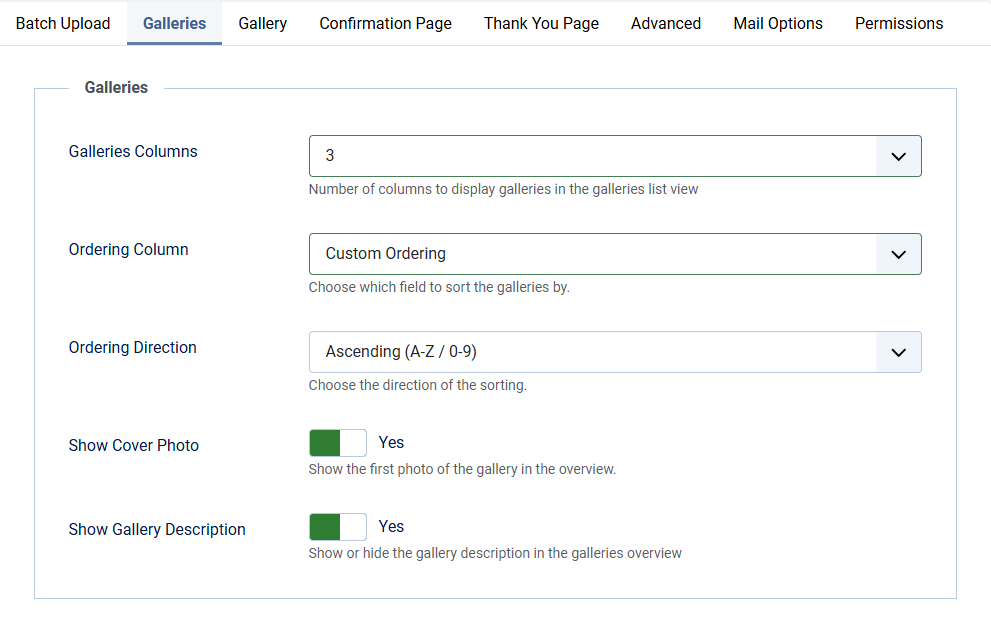
| Galleries Columns | Number of columns to display galleries in the galleries list view. Choose from 1 to 6. Default: 3 |
| Ordering Column | Choose which field to sort the galleries by. Choose from Custom Ordering, Title or ID |
| Ordering Direction | Choose the direction of the sorting. Choose from Ascending or Descending |
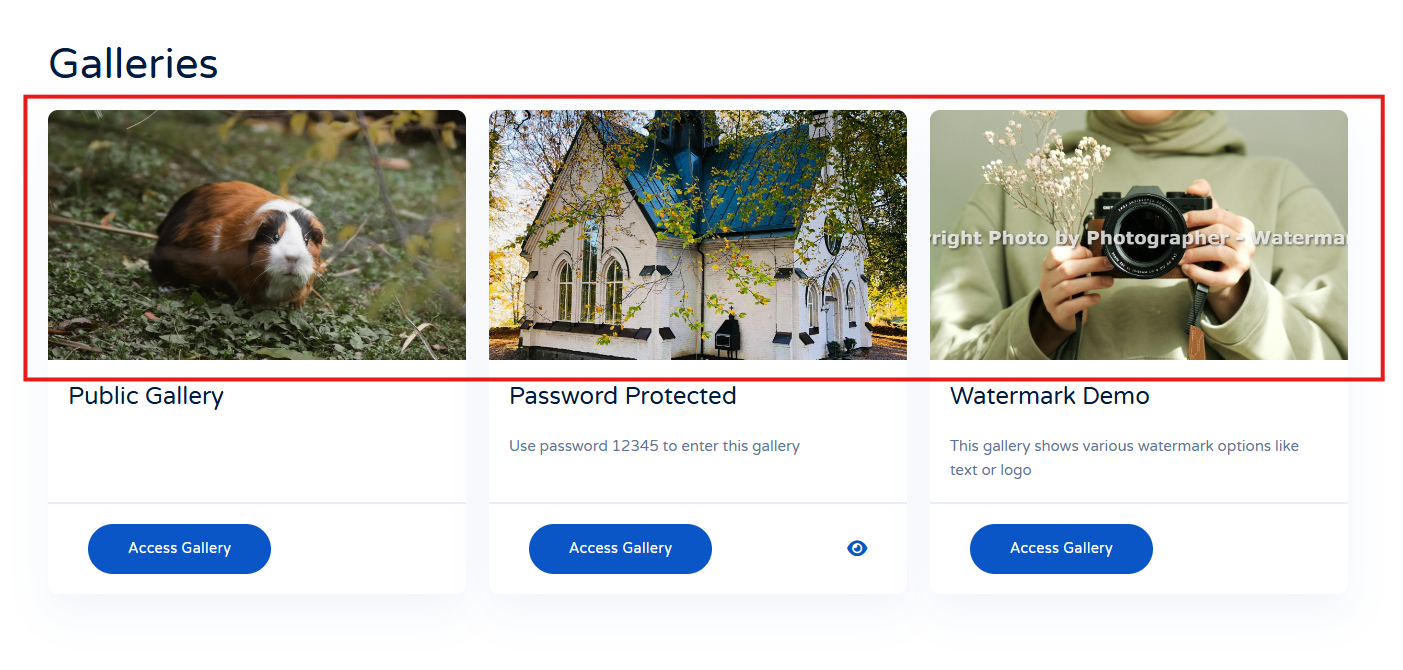
| Show Cover Photo | Show the first photo of the gallery in the overview. Choose from Yes or No |
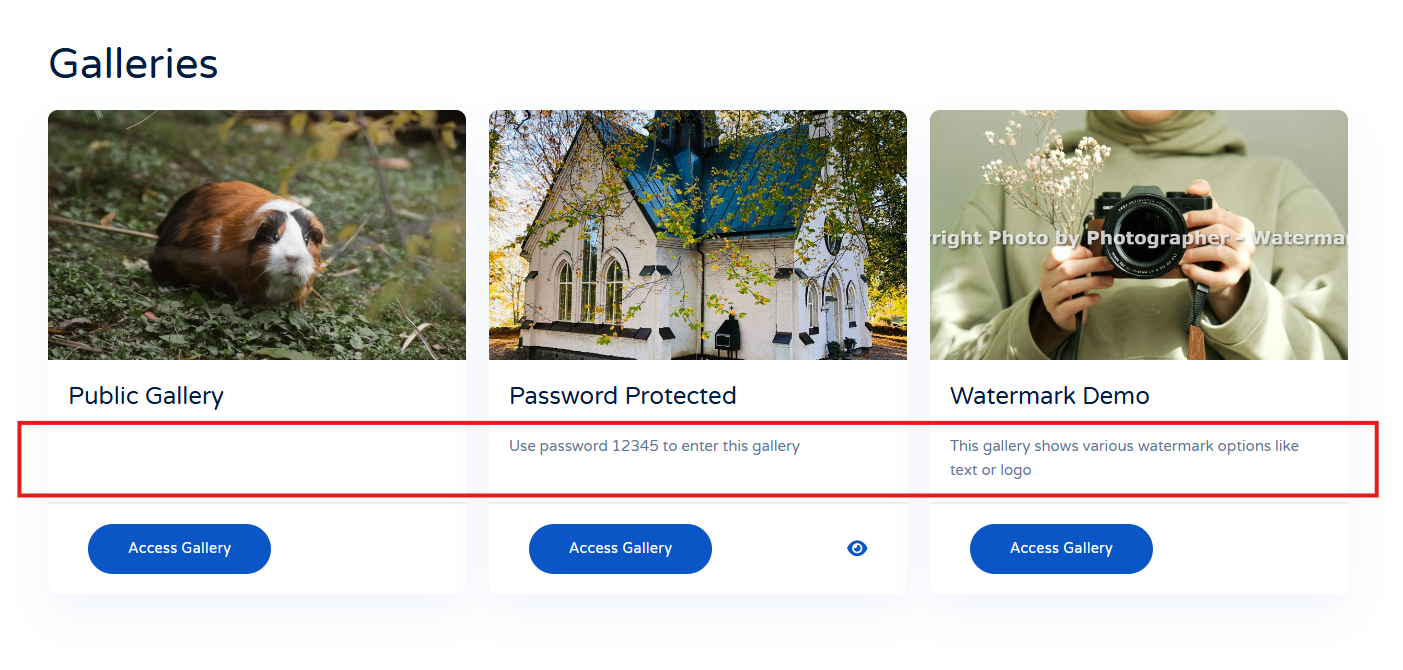
| Show Gallery Description | Show or hide the gallery description in the galleries overview. Choose from Yes or No |