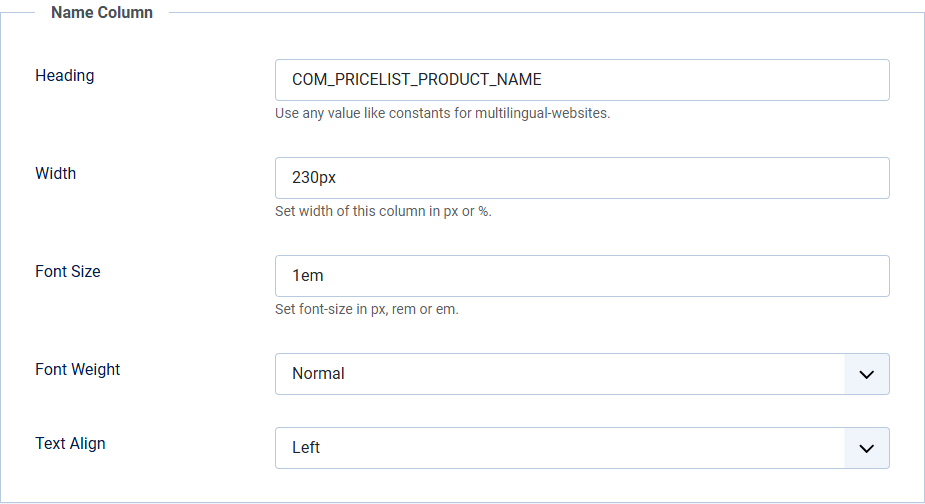
Name Column options
These options control how the Name column displays in your price list.
| Heading | Set the name shown in the heading bar. You can use something simple like "Name", but on a multilingual website you might use a constant like "COM_PRICELIST_PRODUCT_NAME" and create a language override for each language instead. |
| Width | Set the width of the column. You can use pixels (px) or a percentage (%) here. |
| Font Size | Set the font size you would like to use for the items. You can set this in pixels, rem or em values. |
| Font Weight | Set the font weight you would like to use for the items. |
| Text Align | Set the alignment of the text in this column. |