Custom Fields
Unlock this and other features by upgrading to Joomill Price List PRO
Go PRO
Custom fields let you add your own extra columns to a price list, alongside the standard name and price, for example "Allergens", "Duration" or "Stock". Price List uses Joomla's own Custom Fields system (com_fields), so if you've added custom fields to articles before, this will feel familiar.
Enable custom fields
Custom fields are on by default. If you don't use them, you can switch them off for the whole component under Components > Price List > Options > Integration, which also hides the Fields and Field Groups menu items you don't need.

Field group
Go to Components > Price List > Field Groups and create a field group first.

The group's name is shown as a tab on the item edit screen, and its description is shown as helper text on that tab.
Custom field
Go to Components > Price List > Fields and create a new field. Give it a title, select the field type, and optionally a description, a default value, and whether it's required.
On the field's Options tab, alongside the regular Joomla field options, Price List adds:
- Show Label: show or hide the field's label next to its value in the price list.
- Field Position: where the field appears relative to the name and price:
- Before Name Column
- After Name Column
- Before Price Column
- After Price Column
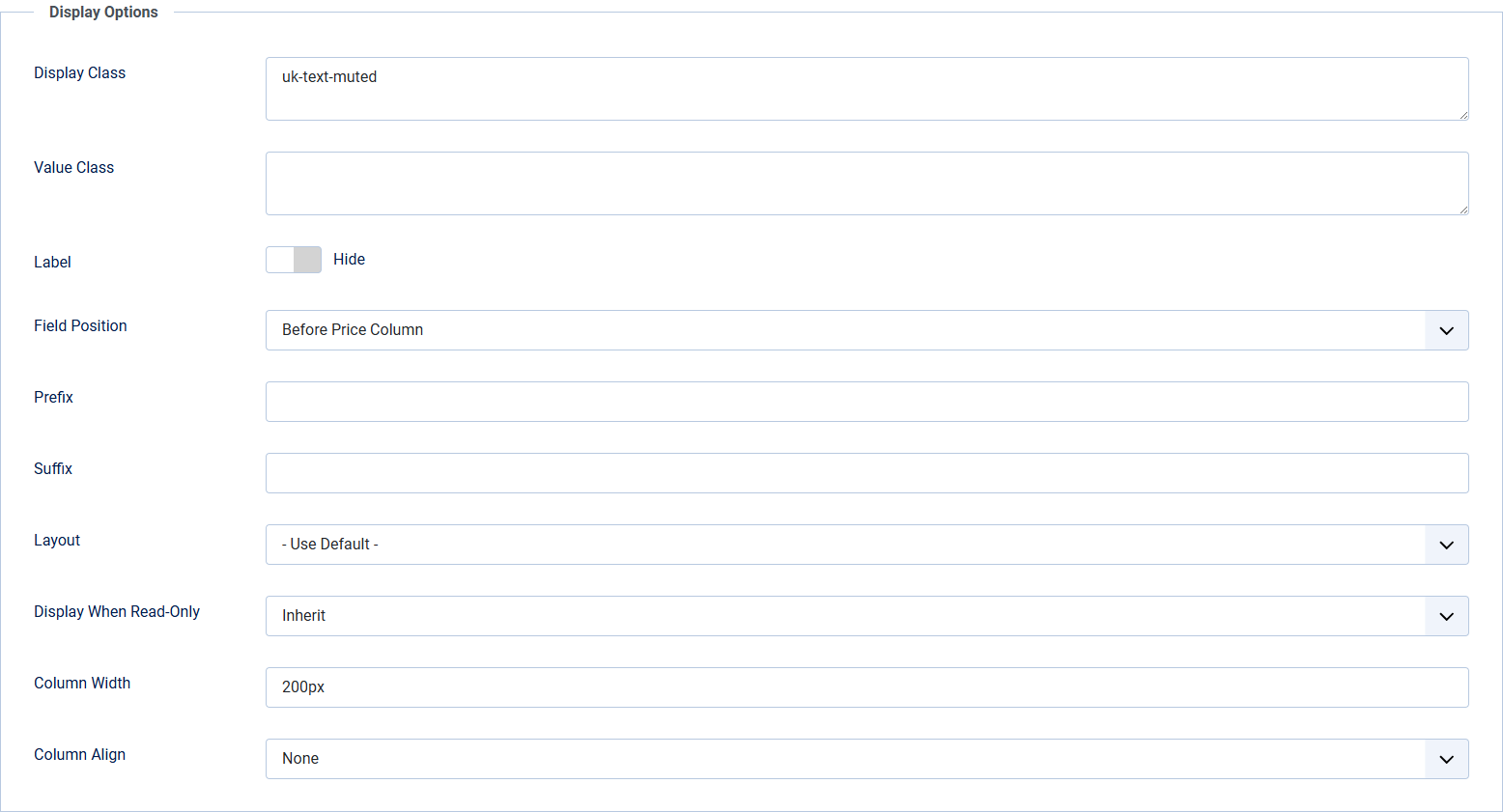

- Column Width: in pixels (px) or percentage (%).
- Column Align: Left, Center or Right.

Save the field. It now appears as its own tab on every Price List item.

How it looks on the front end
