Menu items
To show your price list on the site, add a menu item for it, exactly like you would for any other Joomla component. Go to Menus > [your menu] > New, then choose Price List as the menu item type.
Menu item types
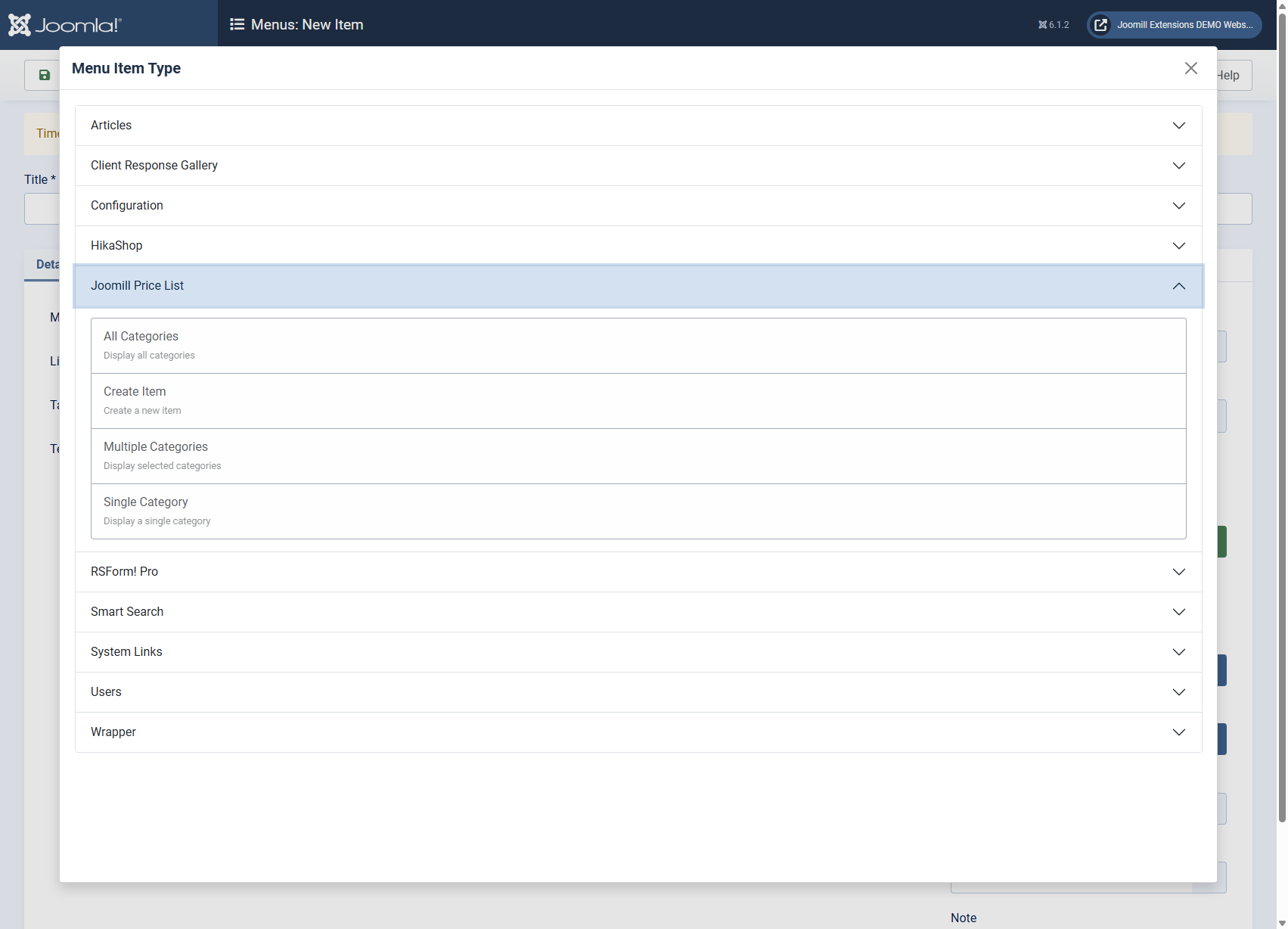
- Categories: an overview of all your Price List categories.
- Category: a single category and its items, pick which one when you create the menu item.
- Multiple Categories PRO version only: several categories and their items together on one page, pick which ones in the menu item's Categories tab, see "Create your first category" for how categories work.
Since version 4.6.0 each of these also comes as a Menu Card type, which shows the same items the way a printed restaurant menu reads instead of as a table. See Menu card layout.
Per-page styling
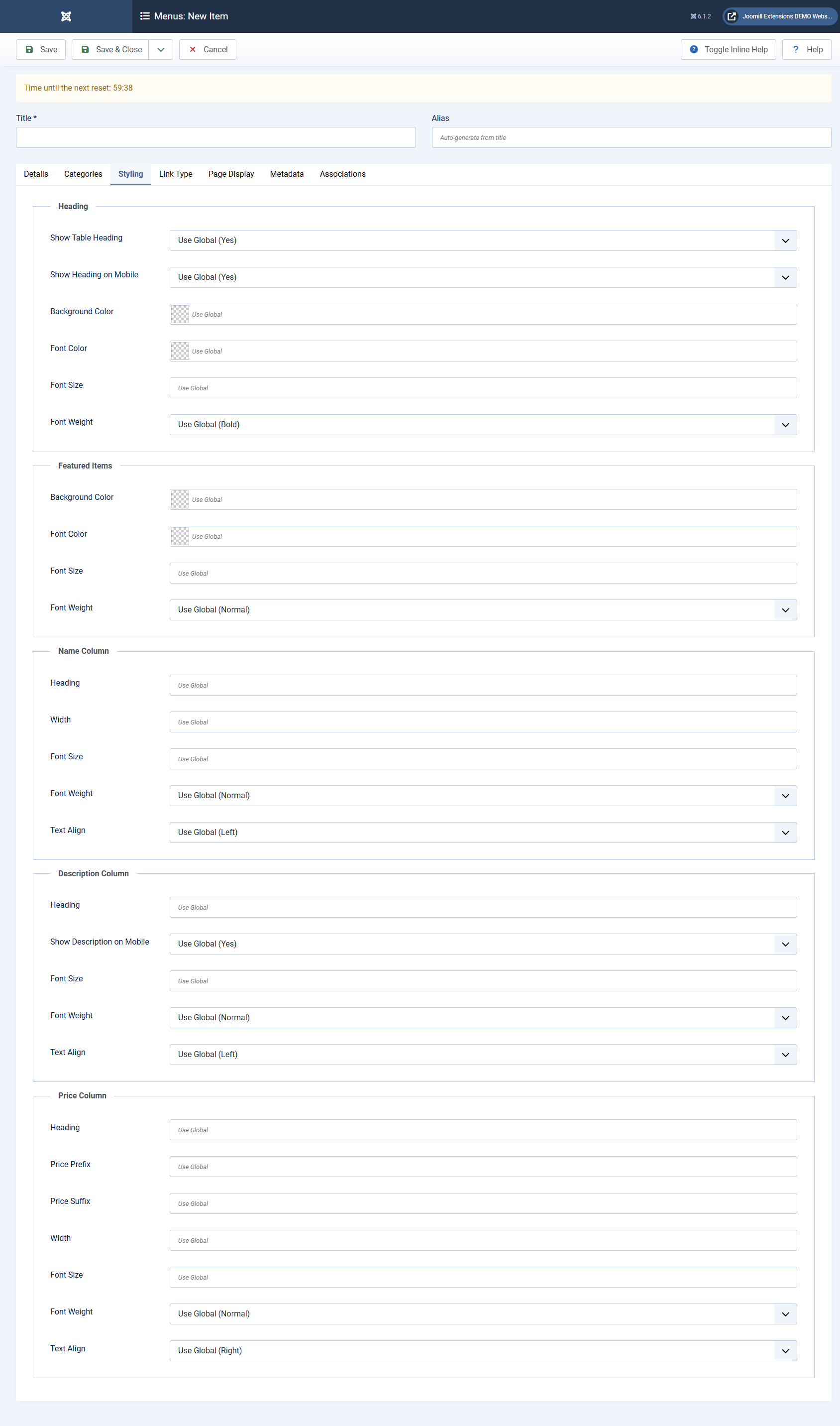
Every menu item type has the same styling options you already know from Components > Price List > Options: Heading options, Featured Items, Name/Description/Price Column options and so on, see those articles for what each option does.
On a menu item, each option starts empty, meaning it follows the global component option. Fill one in to override it for that page only, for example to give one menu item a different heading color without changing it everywhere else. This is the same "use global" pattern Joomla uses for other component parameters.
Structured data
Every menu item type also has a Schema.org tab, where you choose per page whether the list is published to search engines as a price list or as a menu. See Structured data (schema.org).