QR Code - Configuration
In the Free version of the QR-Code Custom Field plugin there are no specific options you can setup.
QR Code PRO - Configuration
These options are only available in the PRO version.
Unlock this and other features by upgrading to Joomill Custom Fields PRO
Go PRO
Unlock this and other features by upgrading to Joomill Custom Fields PRO
Go PRO
| Align | This parameter specifies how you want to align the presentation. Choose between Left, Right or Center |
| Size | This parameter specifies the size in pixels for the QR Code (default: 100) |
| Color | This parameter specifies the color for the QR Code (default: #000000) |
| Background Color | This parameter specifies the background color for the QR Code (default: #ffffff) |
| Current URL | This parameter specifies whether the QR Code should use the current URL of the page. This only works if no value is entered in the field. |
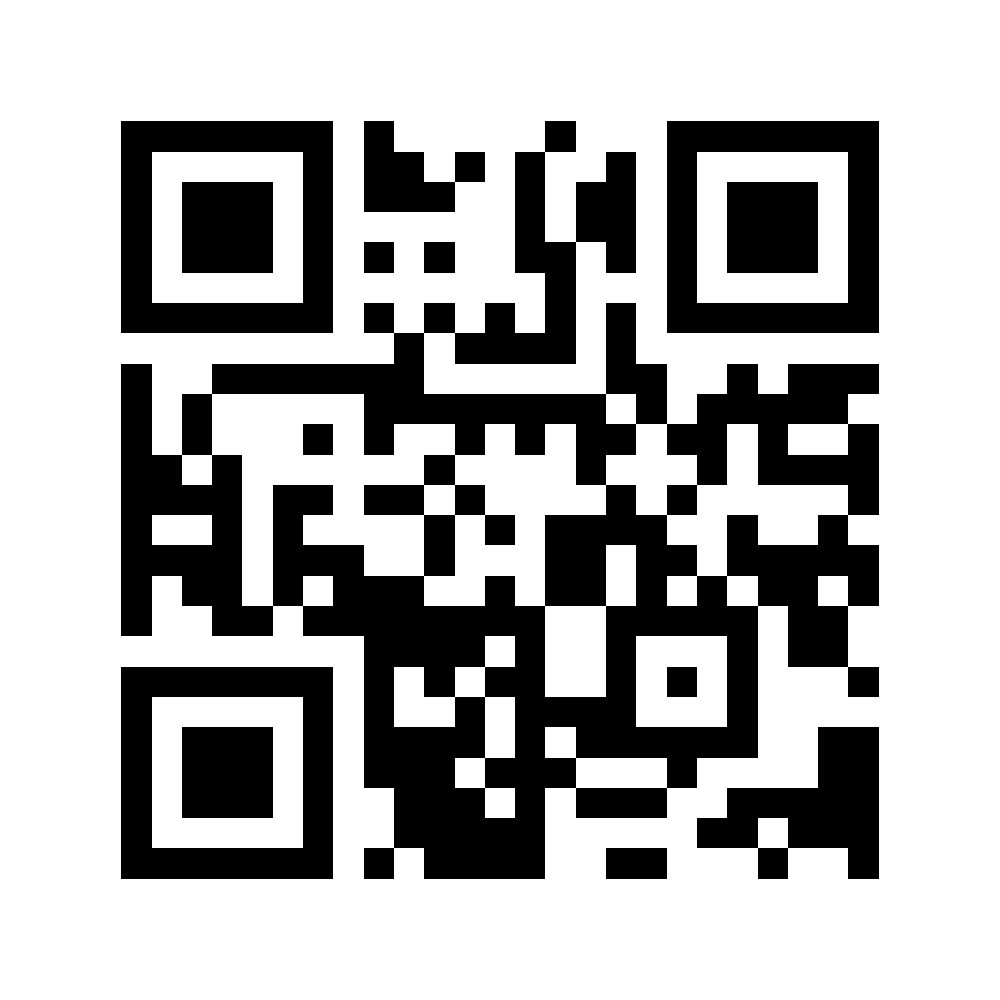
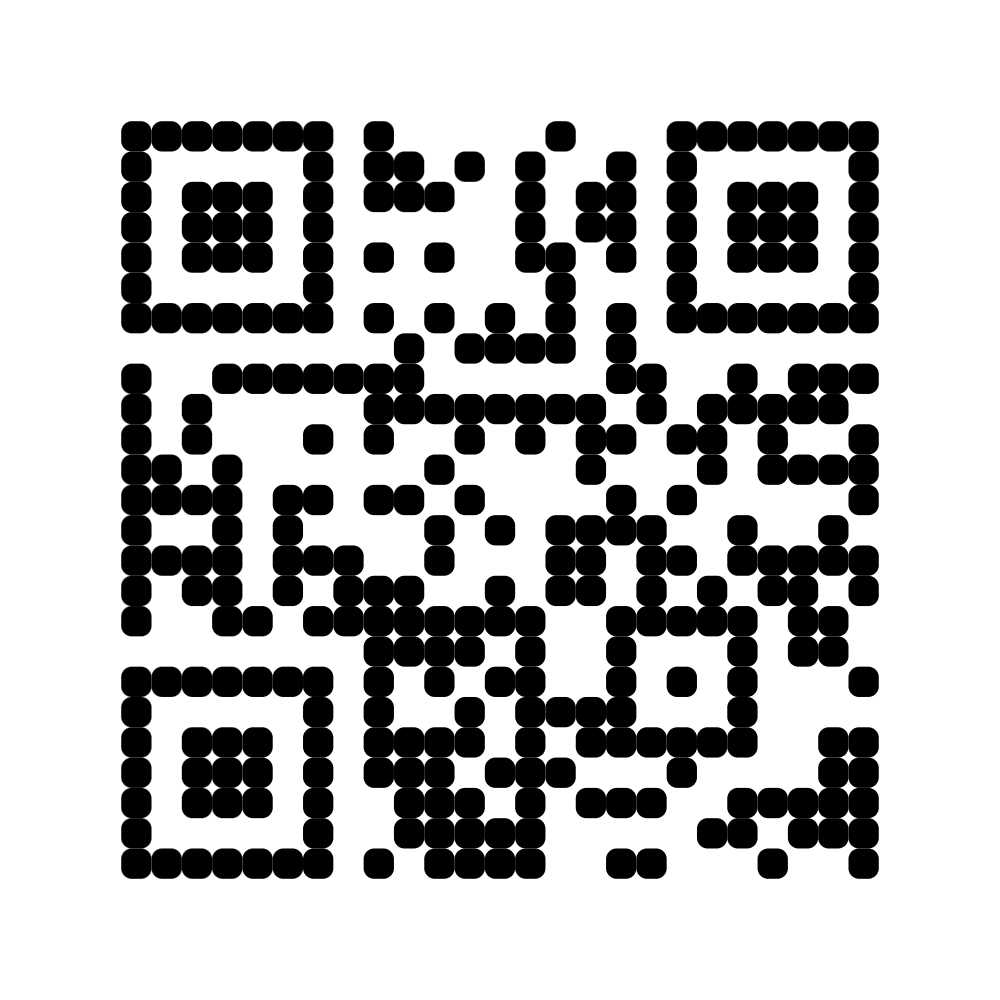
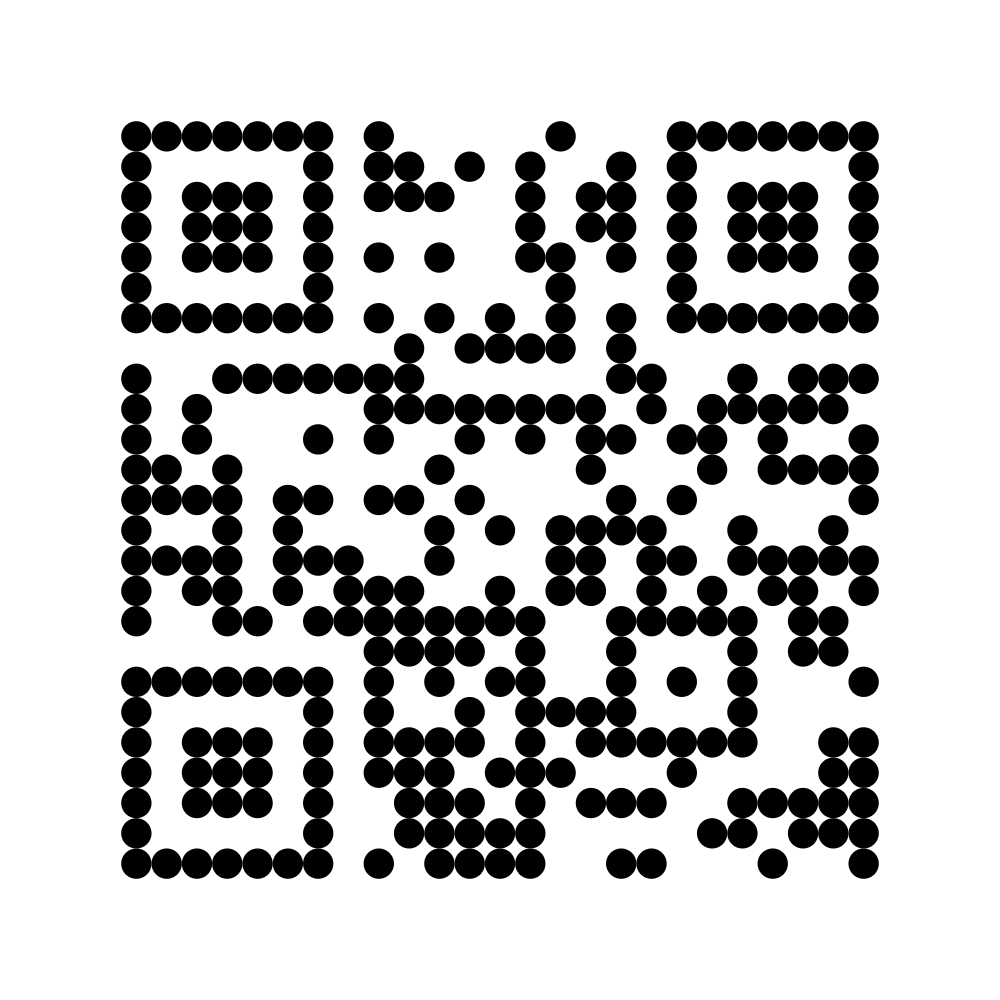
| Module shape | The shape of the individual QR Code modules. |
| Download buttons | Show buttons below the QR Code so visitors can download it. You can choose PNG or SVG format (or both) |
| Download size (px) | Size in pixels of the downloaded image. Leave empty to match the display size. |
Module Shapes:
|
Square |
Rounded |
Dotted |