Reading Progress Bar Element
Encourage visitors to keep reading by showing how far they've scrolled through the page. This adds a progress bar that fills as they scroll, in a color and position you choose.
In the YOOtheme Builder, open the element picker and look for the Joomill Extensions group of elements. Go to YOOtheme > Layout > Footer to add this element to every page.

Select the Reading Progress Bar element.
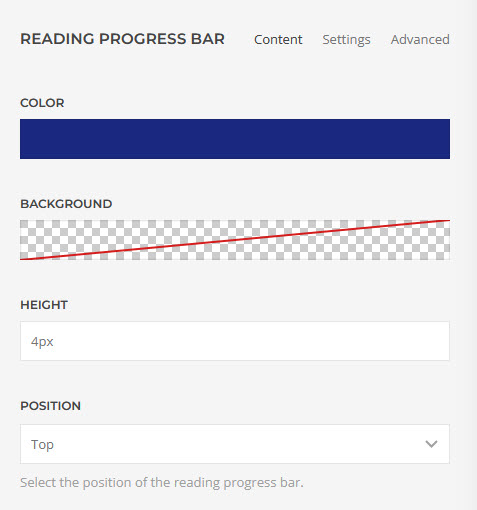
Content tab
| Position | Where the bar appears: Top or Bottom of the page. |
| Hide on Mobile | Hide the progress bar on small screens (below the medium breakpoint, 960px). |
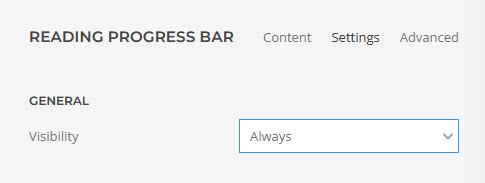
Settings tab
| Bar Height | The thickness of the progress bar, e.g. 4px. |
| Bar Color | A predefined color for the bar: Primary, Secondary, Emphasis, Success, Warning, Danger, Muted, or Custom to pick your own color. |
| Custom Bar Color | Only shown when Bar Color is set to Custom. Pick any color with the color picker. |
| Track Color | Optional background color for the empty part of the bar. Leave empty for none. |
| Visibility | Choose where to show the progress bar: Show Always, Visible or Hidden on Small (phone landscape), Medium (tablet landscape), Large (desktop) or X-Large (large screens). |
Demo
See the top of this page.