Install the plugin (WP)
Before you install, check that your site meets these requirements. Ask your host if you're not sure.
Requirements
- WordPress 6.x or 7.x
Before you start
- Make a full backup of your site.
- Update to the latest version of WordPress.
Install from the Plugin Directory
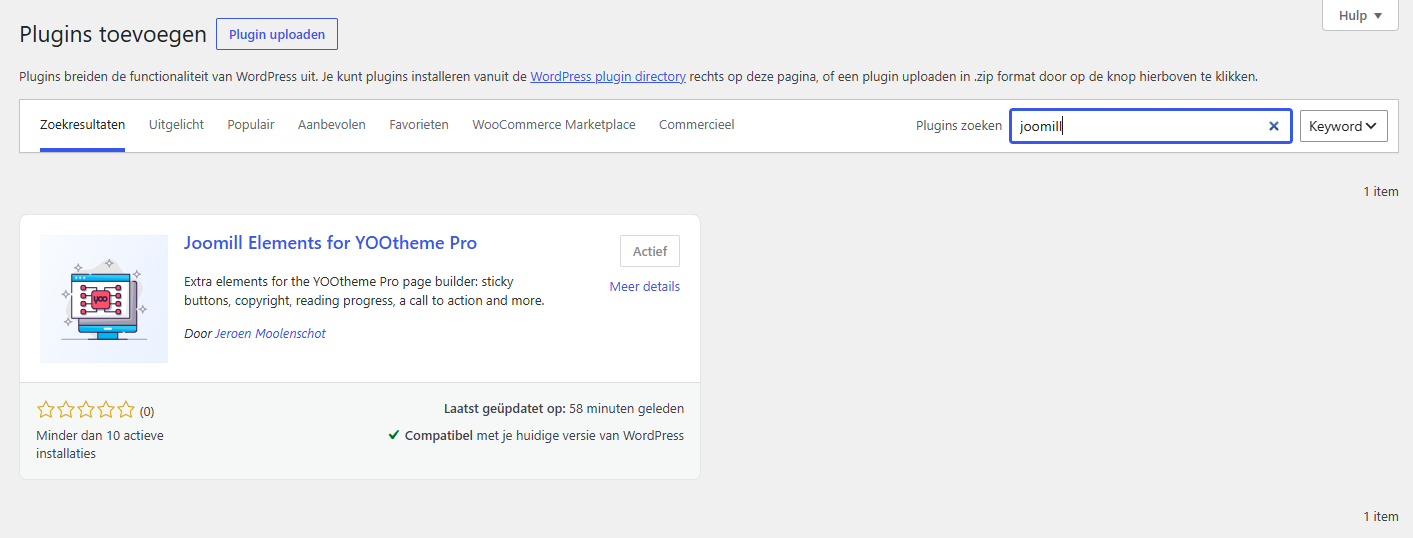
Go to Plugins > Add Plugin in your WordPress administration and search for Joomill to find this and other Joomill extensions.
Install by uploading the plugin file
Go to Plugins > Add Plugin and select the extension zip file you downloaded.

WordPress installs the plugin within a few moments and confirms it worked.

Click Activate Plugin to finish.