Empty Element
Need extra space between sections? The Empty element adds a spacer with a height you control, with an optional divider line and a setting to show or hide it per device.
In the YOOtheme Builder, open the element picker and look for the Joomill Extensions group of elements.

Select the Empty element.
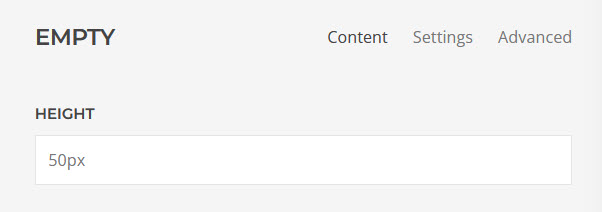
Content tab
| Height | The height of the spacer, e.g. 100px or 5vh. |
| Height (Phone) | An optional height below the phone breakpoint (640px), e.g. 50px. Leave empty to keep the default height on phones too. |
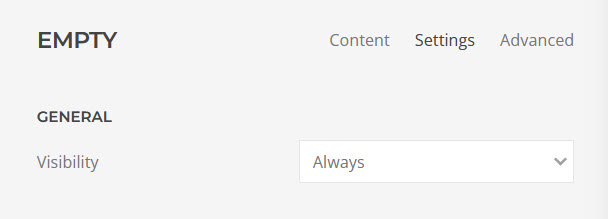
Settings tab
| Divider | Show a divider line in the middle of the spacer. Choose a style (Line, Icon or Small) and an optional color once enabled. |
| Visibility | Choose where to show the empty element: Show Always, Visible or Hidden on Small (phone landscape), Medium (tablet landscape), Large (desktop) or X-Large (large screens). |
Demo
