Regular Opening Hours
Use this form for your regular, weekly opening hours.
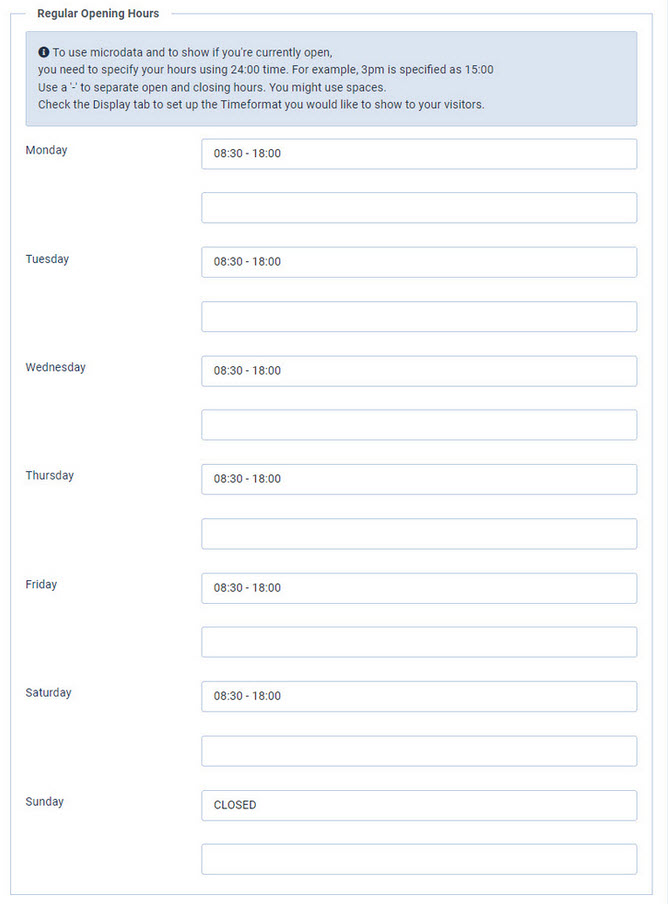
| Opening Hours |
Enter the opening hours for each day. In the PRO version you can use a second line per day, for example for a lunch break. Specify your hours using 24-hour format. For example, 3pm is entered as 15:00. |
| Note PRO version only |
Optional text shown below the hours of that day, for example: Appointments only in the morning. The note does not change the opening hours, so the open and closed status and the microdata stay correct. An exceptional date can replace this note with a note of its own. See Exceptional Opening Hours. |
Keep notes out of the opening hours fields. As soon as a field contains a '-', the module reads it as opening and closing hours and shows an error when it finds text there.