Custom CSS
The Advanced tab of the module has a Custom CSS field, where you can add your own styling for the Opening Hours module.
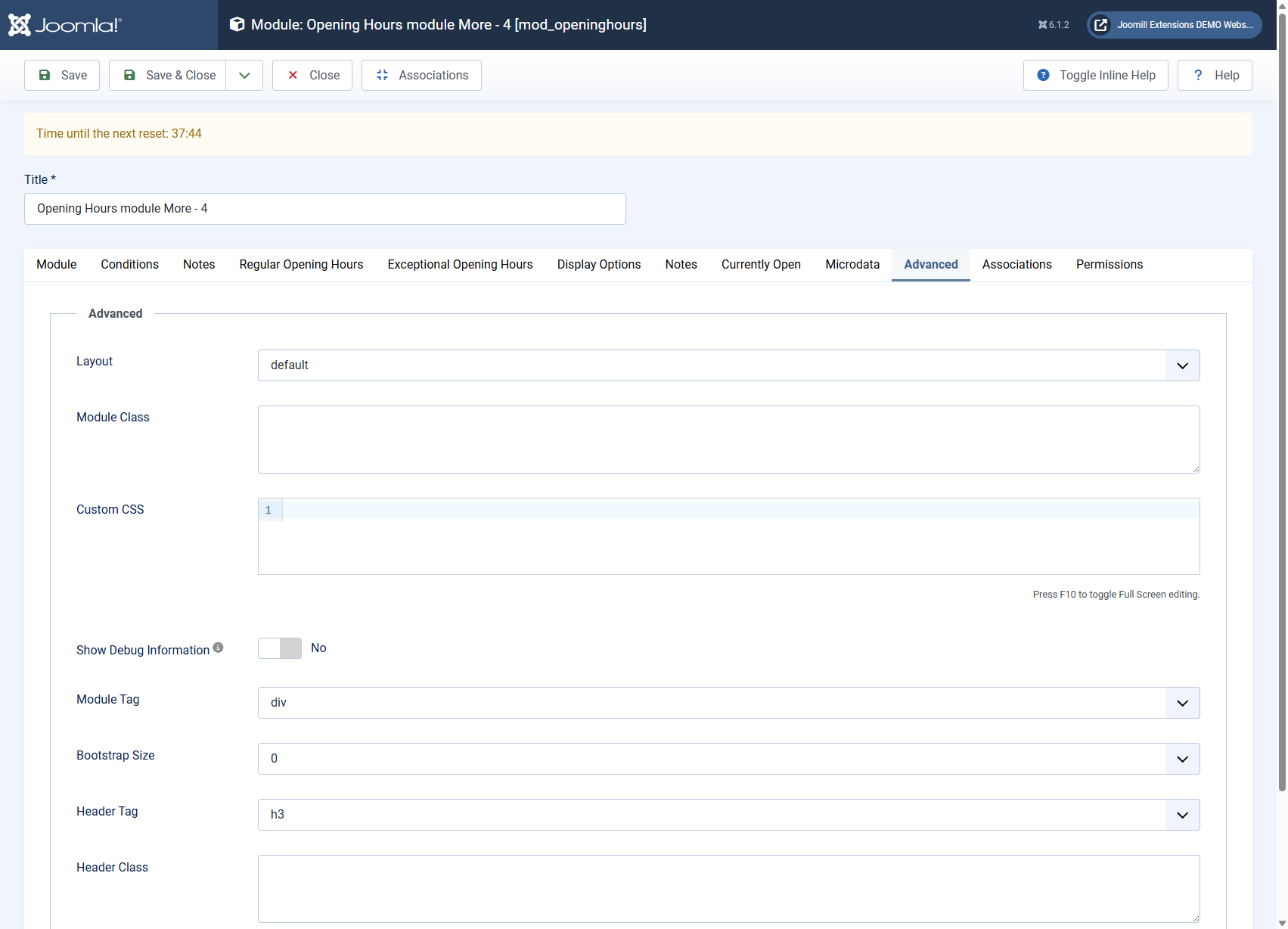
Use it for small tweaks that go beyond the built-in display options, for example a border around the module, a custom font, or a background color for a specific day. The field uses a code editor and accepts plain CSS.
From version 6.3.0 the module checks this field before it places your CSS in the page: anything that would close the style block (</style) is removed, so the field can only hold styling and never script. Regular CSS, including the child combinator > and media query ranges with <, is left exactly as you typed it.
The custom CSS is scoped to this module instance only, so it will not affect other modules or the rest of your site.
You can combine this with the Module Class Suffix field in the same Advanced tab, which adds a CSS class to the module wrapper, so you can target this specific module instance in your CSS.