Configuration
Frontend Editor has one screen with options. The plugins have no settings of their own.
Open the options
Go to Components > Frontend Editor and click Options in the toolbar.
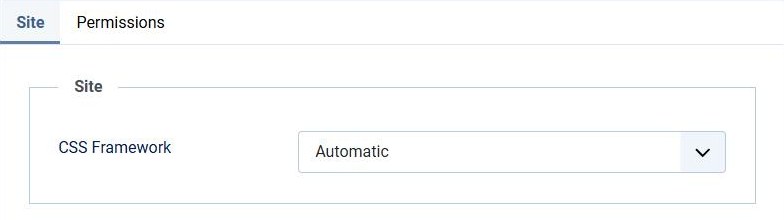
Site: CSS Framework
Sets the classes of the buttons, tabs and input fields of the edit form on the site.
- Automatic (default): UIkit with YOOtheme Pro and its child templates, Bootstrap with every other template.
- Bootstrap (Cassiopeia)
- UIkit (YOOtheme)
With UIkit, the tabs, buttons, icons and input groups of core and JCE fields are styled for YOOtheme.
Permissions
The Permissions tab sets who may create, edit and delete profiles. Who may edit which articles is still decided by the Joomla permissions of your articles and categories.
Override the edit layout
The form uses its own grid, so it works in Cassiopeia, YOOtheme and templates without a grid. To change the markup, copy
plugins/system/frontendeditor/tmpl/frontendeditor.php
to
templates/[your template]/html/plg_system_frontendeditor/frontendeditor.php
and edit the copy. Check your override after each update.