Menu
Extensions
Admin Checklist
Admin Notes module
Autolanguage plugin
NEW
Client Response Gallery
NEW
Content Calendar module
Custom Fields plugins
Custom Quick Icons module
POPULAR
Markdown Alternate plugin
Opening Hours Module
POPULAR
Price List component
Reset Hits module
POPULAR
RSForm! PRO - Notion plugin
Social Share plugin
YOOtheme Elements
NEW
Downloads
Support
Documentation
Contact
Joomla Services
Blog
Extensions
Admin Checklist
Admin Notes module
Autolanguage plugin
NEW
Client Response Gallery
NEW
Content Calendar module
Custom Fields plugins
Custom Quick Icons module
POPULAR
Markdown Alternate plugin
Opening Hours Module
POPULAR
Price List component
Reset Hits module
POPULAR
RSForm! PRO - Notion plugin
Social Share plugin
YOOtheme Elements
NEW
All commercial Joomill extensions in one license for just €50
Get the Bundle to get all Joomill Extensions
Get the bundle
Downloads
Support
Documentation
Contact
Joomla Services
Blog
Login
Documentation: Custom Quick Icons module
Install the module
Publish the module
FontAwesome Icons (Joomla 4)
FontAwesome Icons (Joomla 5)
Default Quick Icons
Display Robots Status
Single Article
Articles / Categories
Single Module
Custom Quick icons
E-commerce Quick Icons
How to change the color?
Use FontAwesome PRO
The icon is not displayed
Changelog
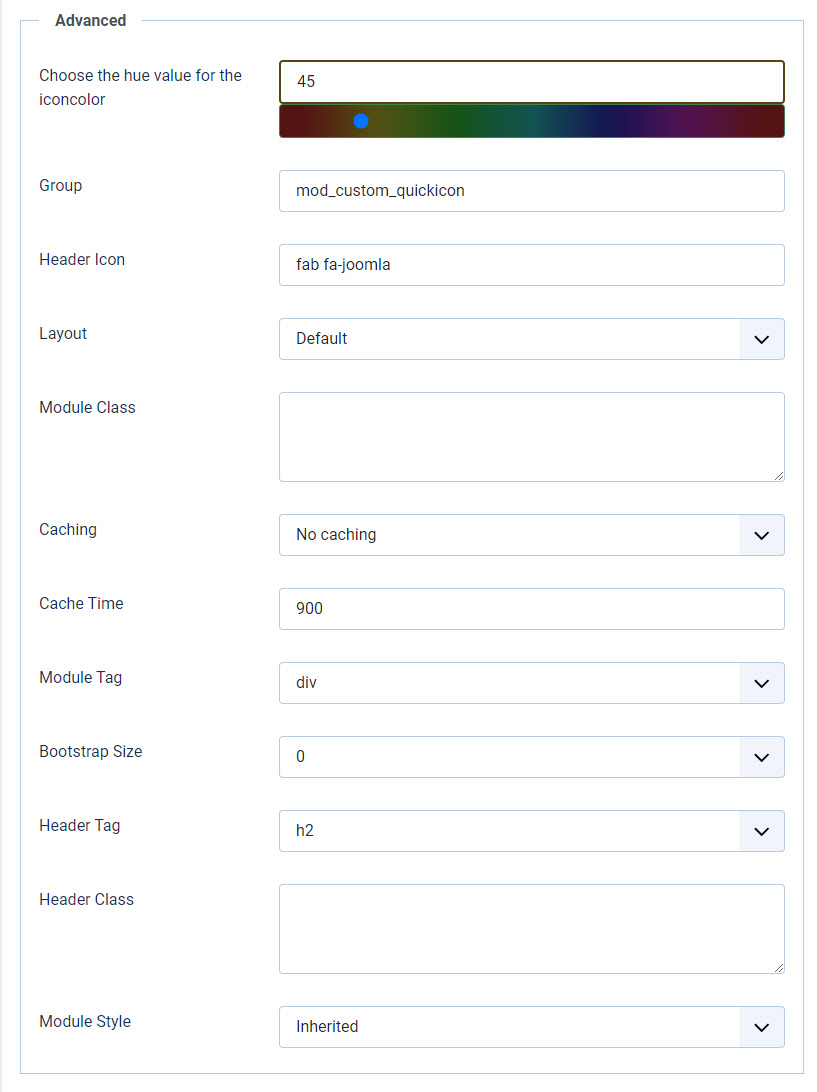
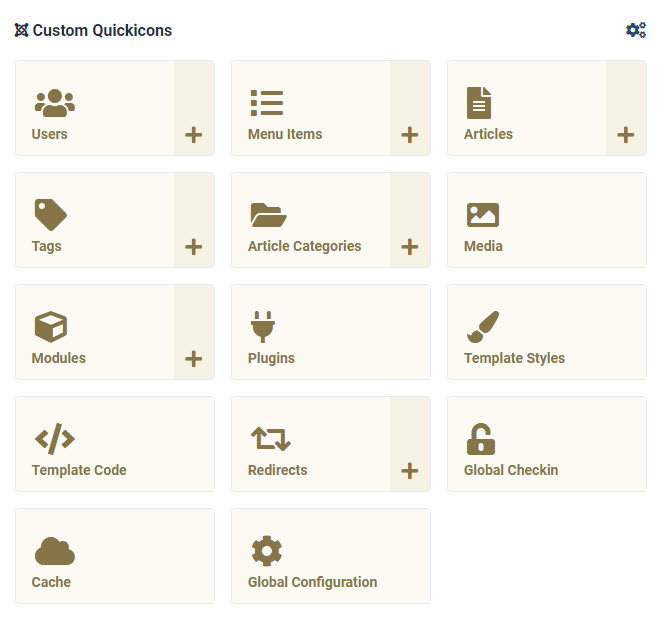
How to change the color?
In the advanced tab you can choose the color of the icons
It looks like this: