FontAwesome Icons (Joomla 5)
In Joomla 5, the Custom Quick Icons module uses a modal icon picker with FontAwesome 6 icons. If you don't select an icon, the Joomla logo is used by default.
Click the Select Icon button.

A popup opens with all available icons. You can search for a specific icon, and the popup shows which FontAwesome version is used.
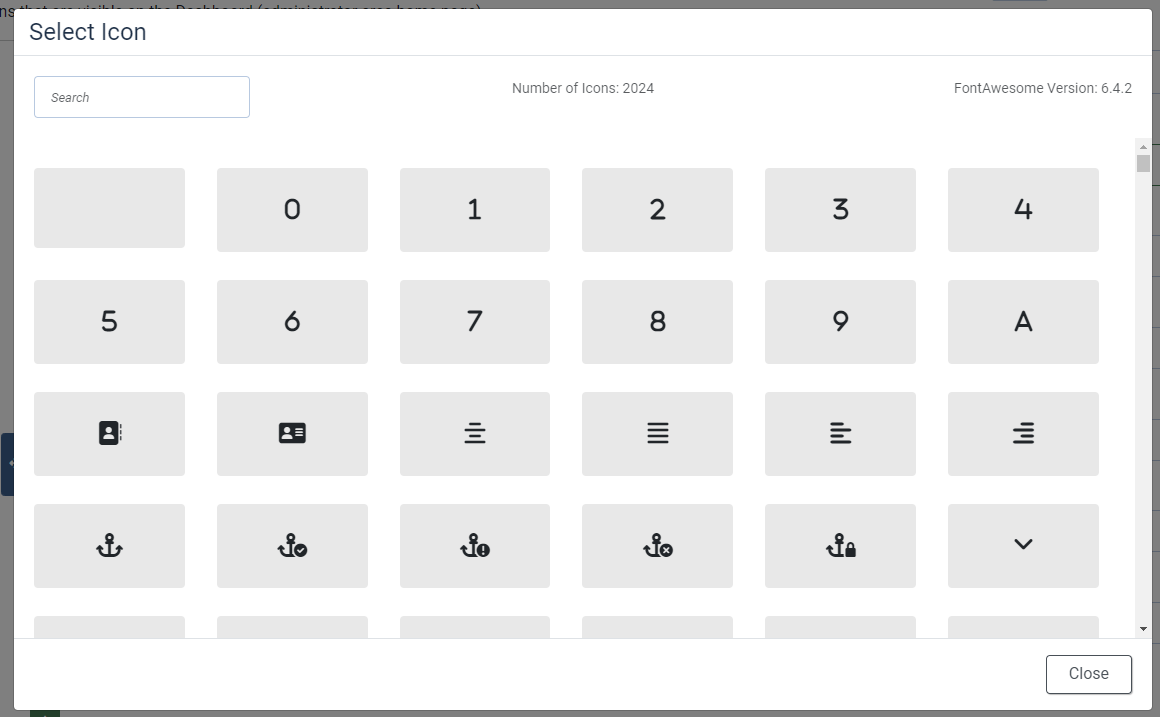
Click an icon to select it and close the popup.