Recurring tasks
Unlock this and other features by upgrading to Joomill Admin Checklist PRO
Go PRO
If you want a task to recur, download and install the Task - Joomill Admin Checklist Recurring Tasks plugin like any other plugin. The plugin is activated automatically upon installation.
How does it work:
1) Create a Scheduled Task
First, set up a Scheduled Task in System > Scheduled Tasks.
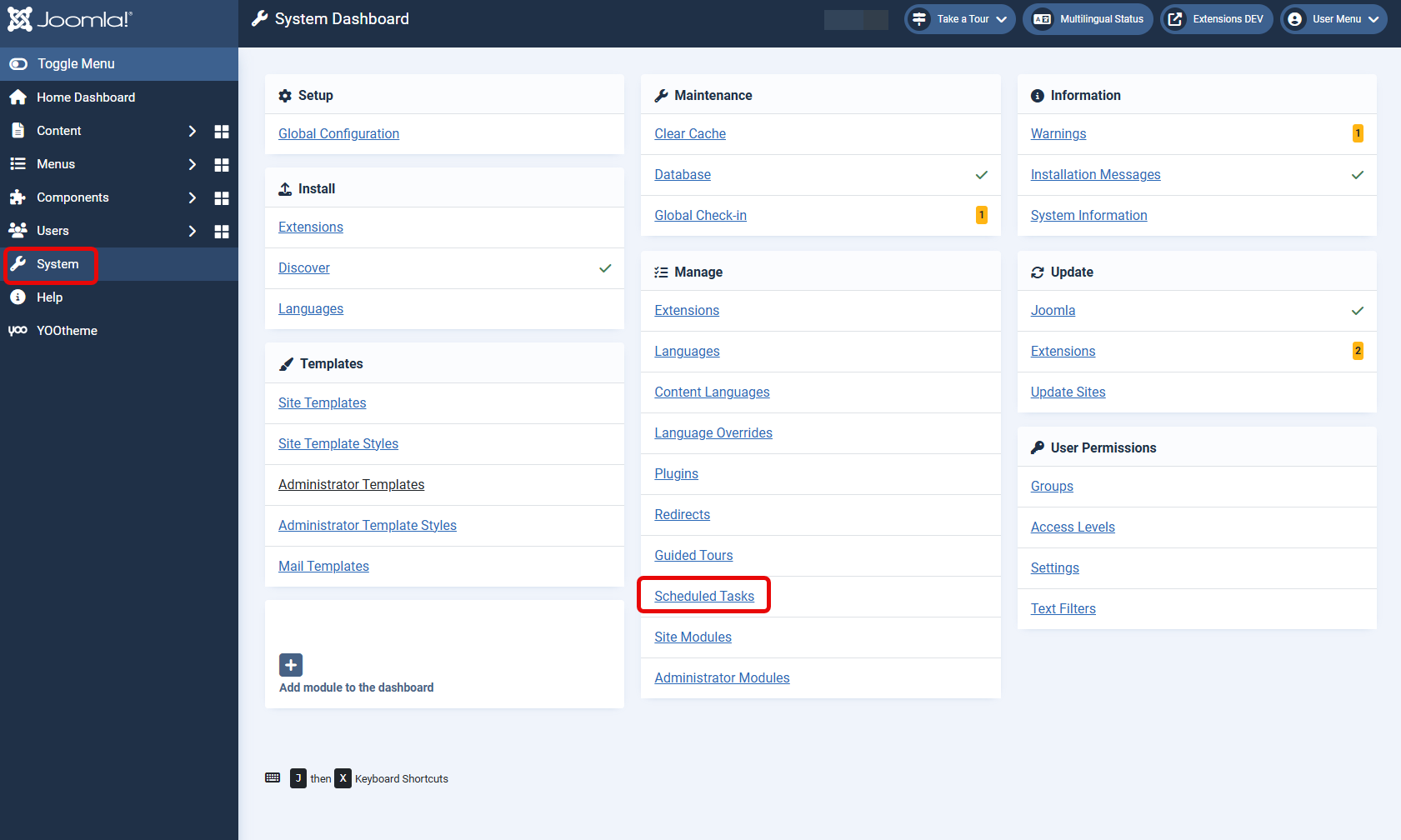
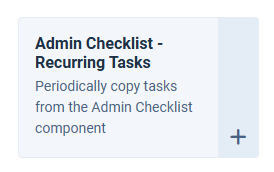
Click the New button at the top and select Admin Checklist - Recurring Tasks.
Give the Scheduled Task a Title (e.g. Monthly Task), this title is used in the selection later.
Fill in the Basic fields to your needs. For example, an interval of every month on the 5th day at 9:00.
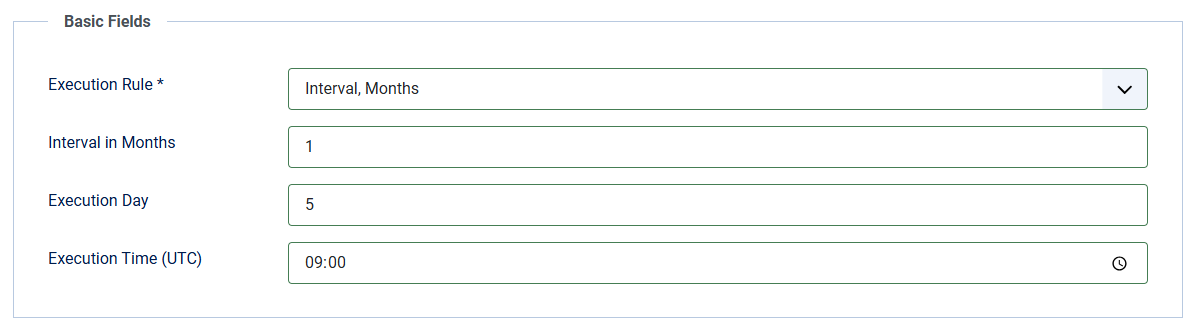
Save the task. If you need more intervals, like weekly or daily, add as many Scheduled Tasks as you need.
2) Add the interval to the task
Go to the task you want to make recurring.
On the right side of the screen you'll see the Recurring Task selection, where you can pick any of the Scheduled Tasks you just created.
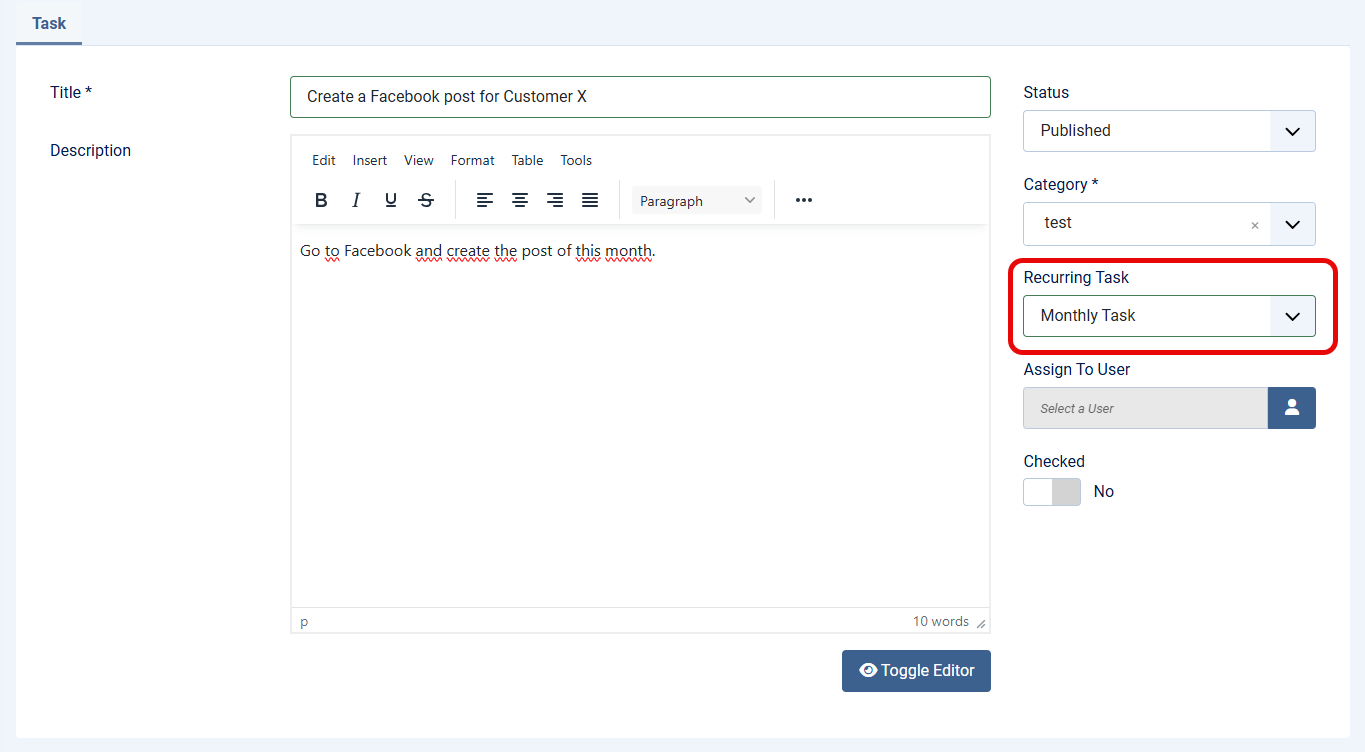
The task is now re-created on that schedule, whether or not it was checked.
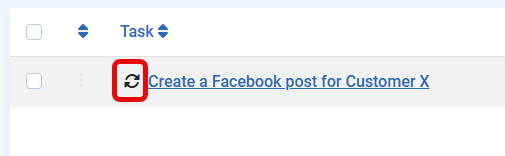
Recurring tasks show a small icon in front of them in Task Management (hover over the icon to see the Scheduled Task name). You can also use the Filter Options to find a Recurring Task.
How are scheduled tasks triggered?
You'll find these settings in the task overview (System > Scheduled Tasks), under the "options" button at the top right.
By default, a task is triggered by activity on the website, i.e. when a visitor opens the website. This is called the Lazy task scheduler.

In many cases that's fine, but if there's no visitor at that time, the task won't run either. For example: you want a backup of your website every night at 2 a.m., but that task won't run until the first visitor opens the site the next morning, which isn't what you want.
You can also have tasks triggered by a cron job. Enable the web cron and you'll get a link you can use in your hosting provider's cron system.

If you can't set up a cron job on your hosting package, or aren't sure what settings to use, we recommend cron-job.org.
Setting up cron jobs via cron-job.org

With a free cron-job.org account you can run simple cron jobs. Create an account, then create a cron job: enter a title, paste in your Joomla website's URL, choose when it should run, and save it. The cron job now runs at exactly the time you chose.
