RSForm! PRO Configuration
After installing the plugin, go to Components > RSForm! Pro > Configuration > Notion tab.
Enter your Notion API key here (the Notion Internal Integration Secret). Create an integration to get one at notion.so/profile/integrations, following the steps in Internal integration secret key.
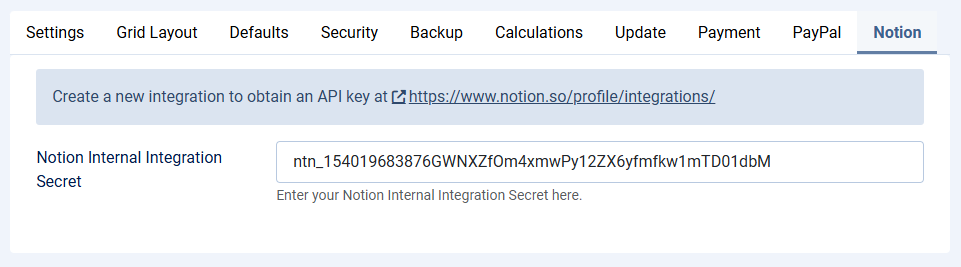
The field is masked, so the secret can't be read off the screen or picked up from a screenshot of this page. To replace it later, paste the new secret over the old value and save.
The field takes a secret of up to 255 characters. Versions 1.3.0 and 1.3.1 cut off everything past the 99th character while you pasted it. If you entered a longer secret in one of those versions, paste it again and save.