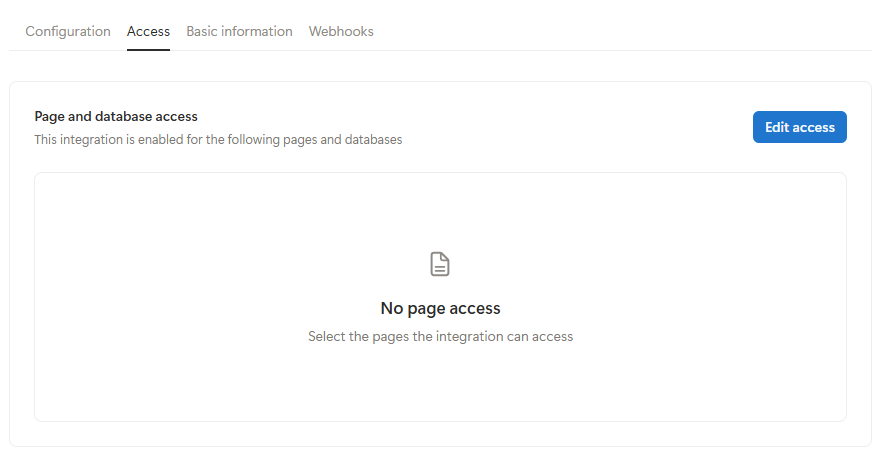
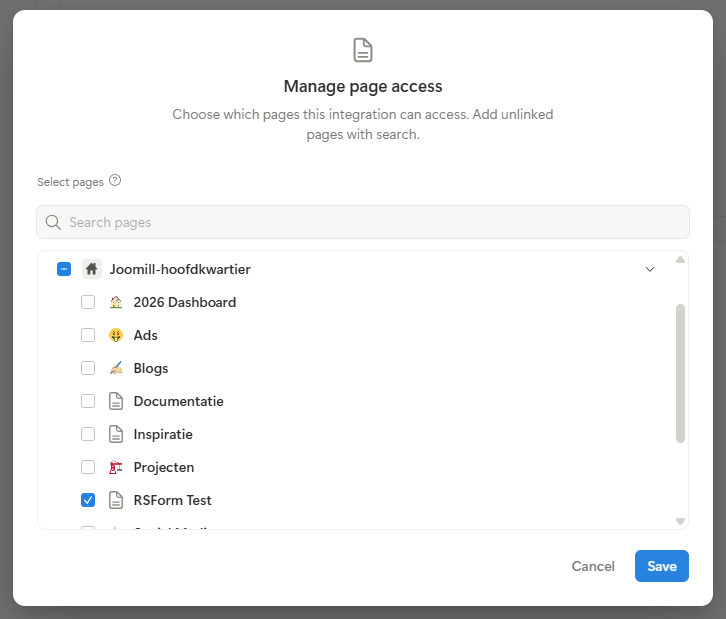
Internal integration secret key
Create a new integration to get an API key at https://www.notion.so/profile/integrations/
1) Log in
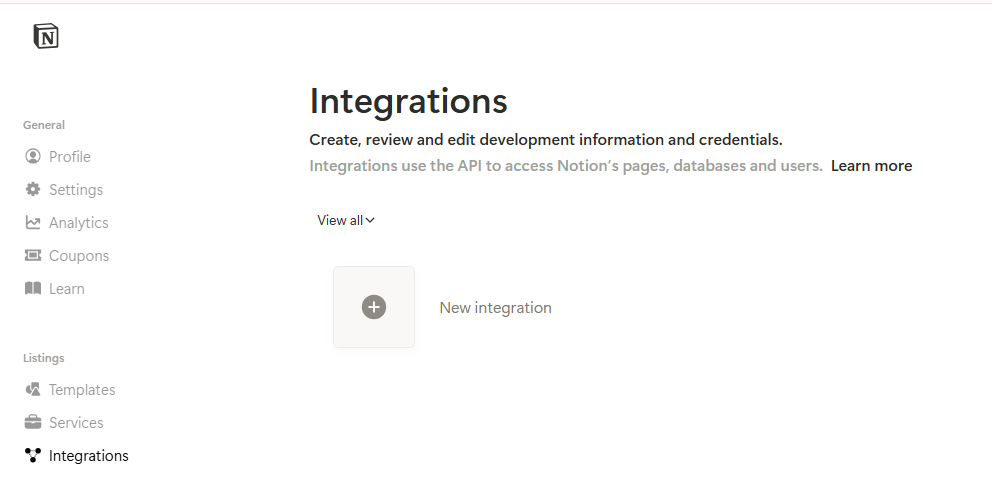
Go to https://www.notion.so/profile/integrations/ and log in with your Notion account.
Click New integration.
2) Create the integration
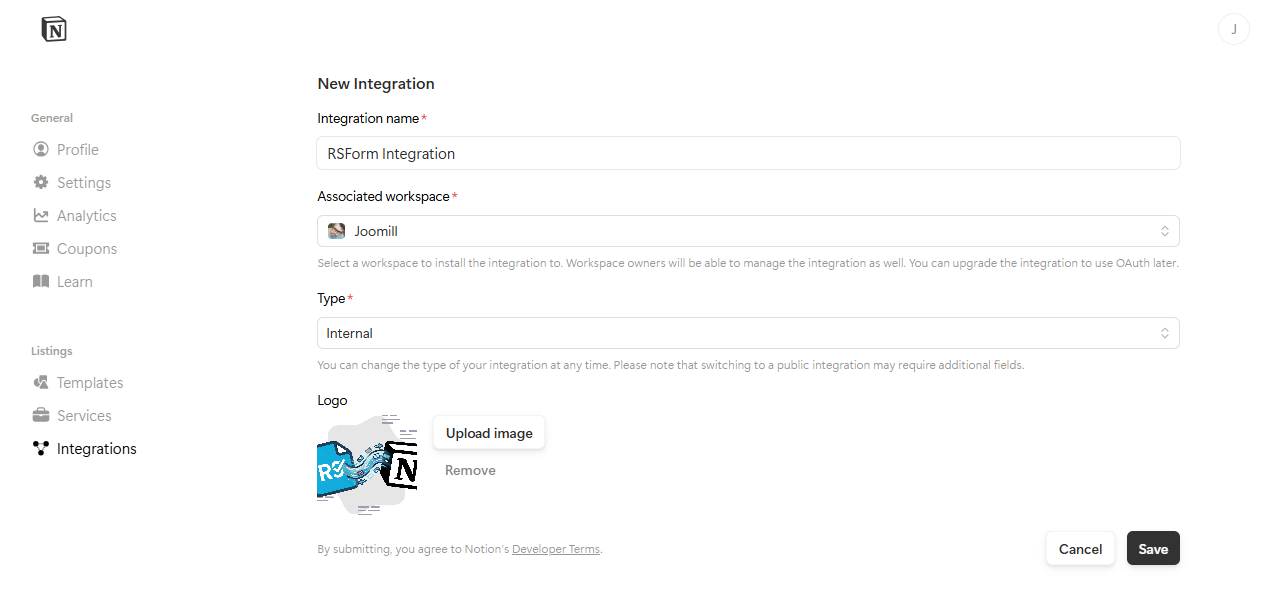
Enter an integration name.
Associated workspace: select the workspace to connect.
Type: select Internal.
Logo: optional.
Click Save.
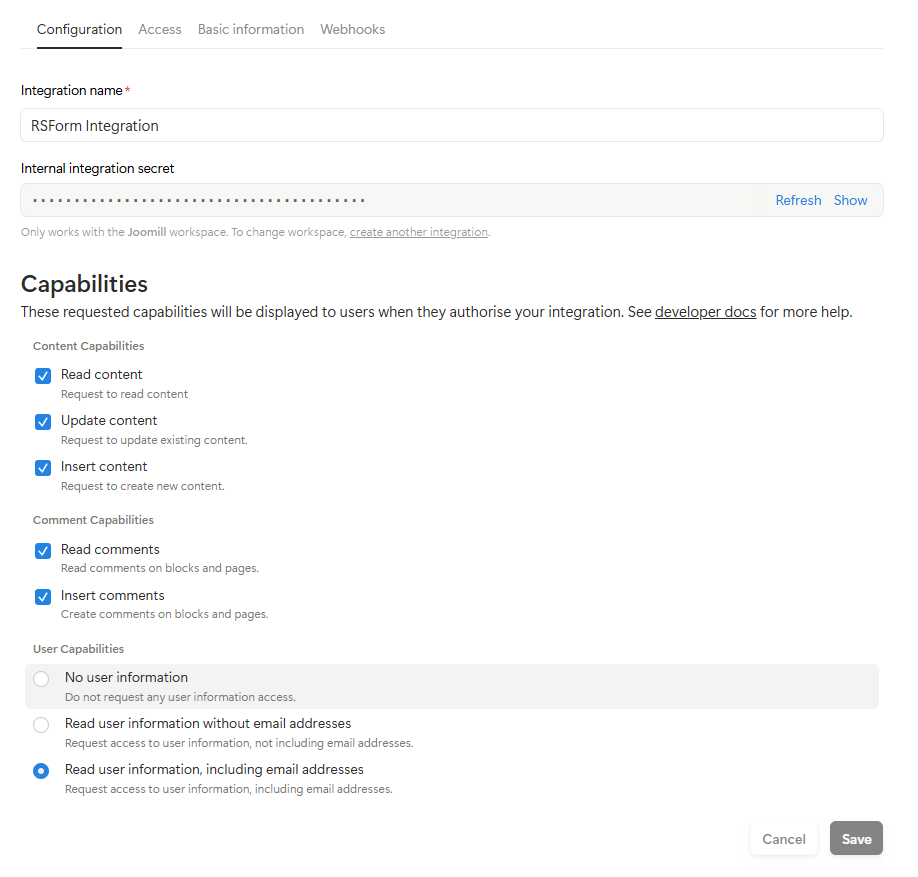
3) Copy the secret
The next screen shows the Internal Integration Secret. Copy it, you'll paste it into the RSForm! Pro configuration.
Capabilities:
- Content capabilities are checked by default.
- Check Comment capabilities too if you want to use the plugin's comments mapping, see "Notion Settings in Form Properties".
Click Save.
4) Give the integration access
Click Edit access.
Select the database you want to connect.
Click Save.