Sending and receiving files
This page describes Filedrop from the visitor's side: what sending a transfer looks like, and what the recipient sees when they open a download link.
Sending a file
Drag one or more files onto the upload box on the Filedrop upload page (or click it to browse), fill in whichever fields the site shows you, and send. Large files can take a while - the page shows progress as it goes. Once it's done, you get a confirmation and a download link, already copied to your clipboard, ready to paste into an e-mail or chat.
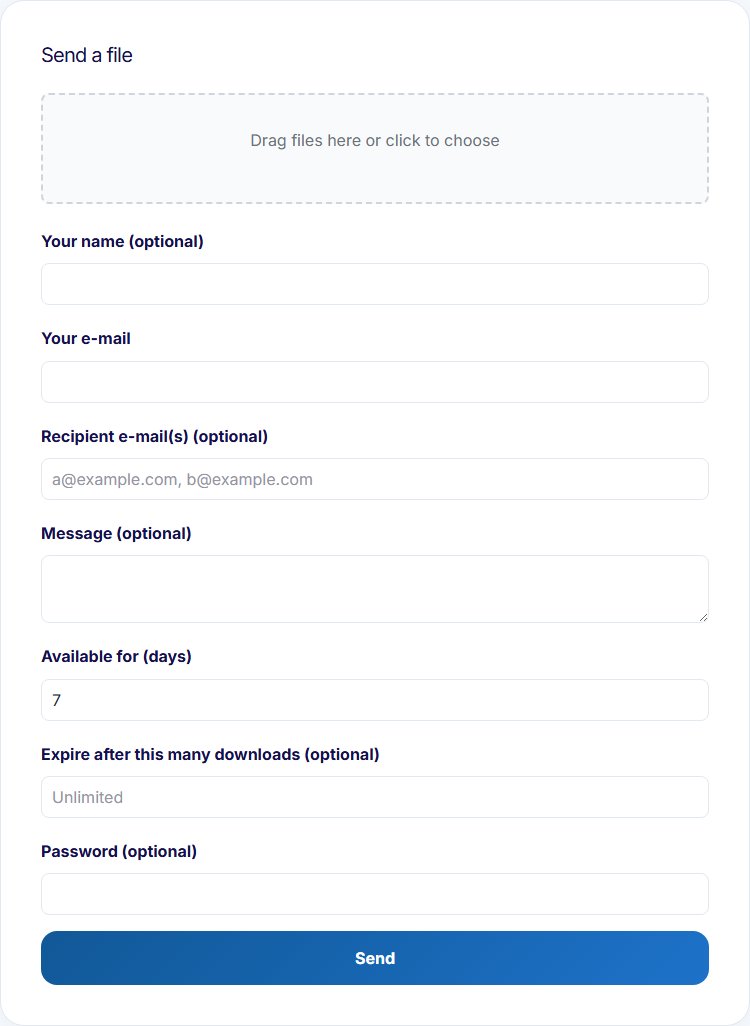
If you filled in recipient addresses, they get the download link by e-mail automatically. If you left the recipients empty, only you receive the link - forward it however you like.
Receiving a file
Opening a download link shows who sent it, their optional message, and the files included. If the sender protected the transfer with a password, you'll be asked for it (sent separately, never in the same e-mail as the link).
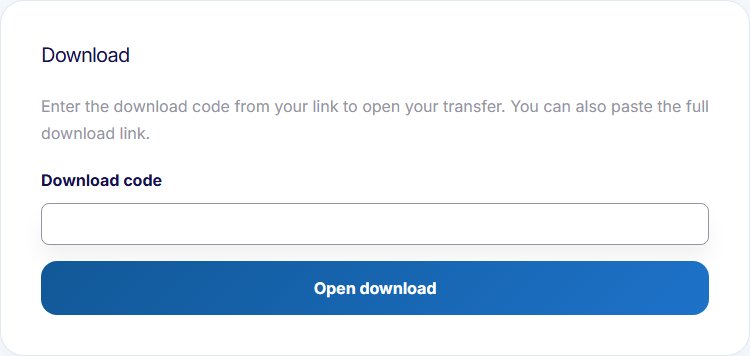
Opening the download page without a link (or with the code missing from the address) shows a form asking for your download code instead - paste the code from your link, or the full link itself, to get to your transfer.
Downloading bundles everything into a single zip, unless it was just one file that was already an archive, in which case you get that file directly.
A link that's expired, hit its download limit, or simply doesn't exist shows a generic "not available" message - ask the sender for a new transfer if that happens.
My transfers
On sites that offer it, logged-in users have a "My transfers" page listing the transfers sent from and to their account's e-mail address - including ones they sent as a guest with that same address, and ones where they were a recipient. Each transfer has a Download button while it's still available (disabled once it has expired or hit its download limit), and transfers sent from the account itself can be deleted early.